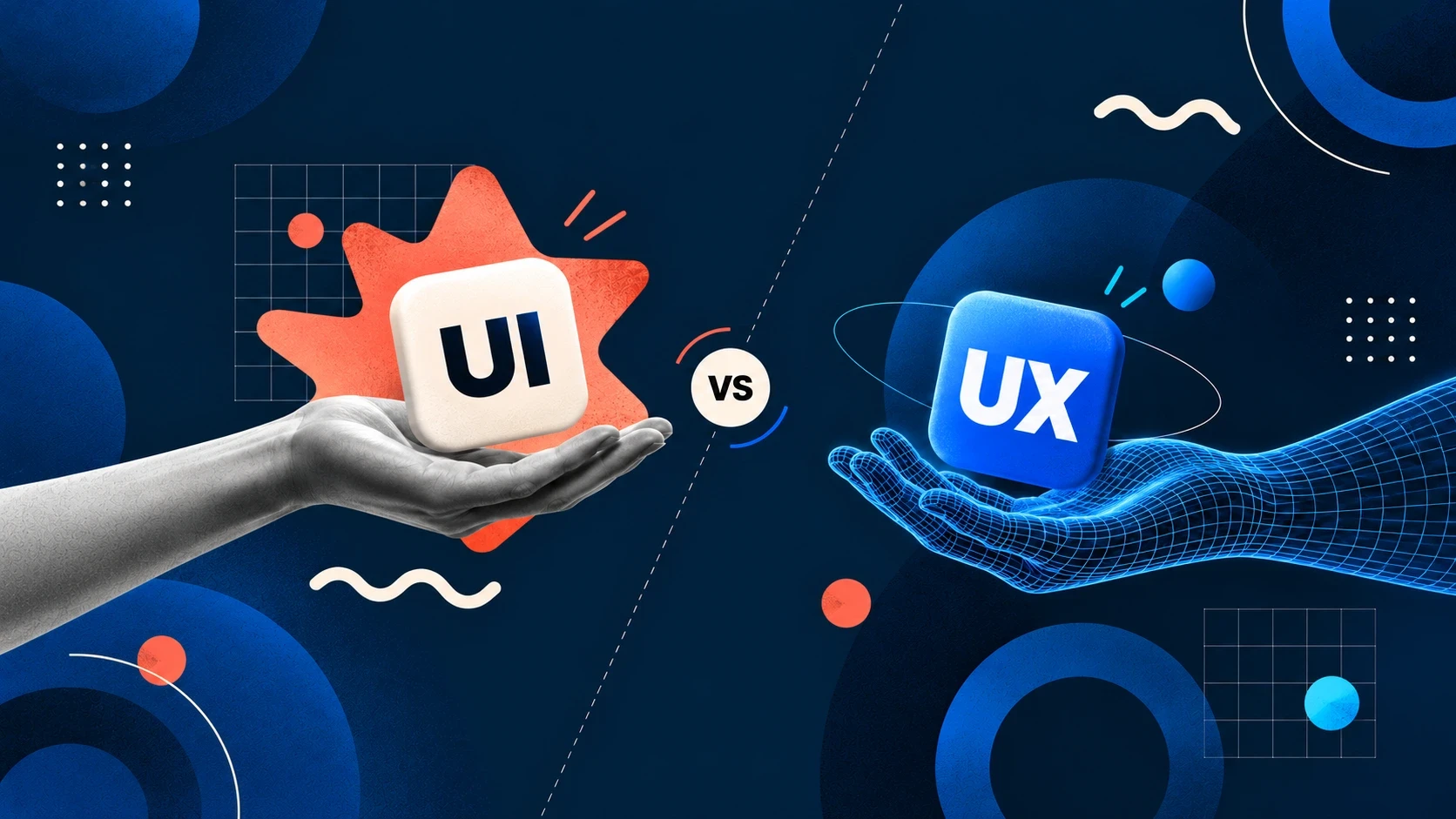

The simplest way to understand UI vs UX design is to separate how a digital product works from how it looks and responds.
UX, or user experience design, focuses on how a product works and feels to use. It deals with structure, logic, navigation, user flows, and the steps people take to complete a task. UX designers ask questions such as: Can users find what they need? Is the process intuitive? Are there unnecessary steps? Where are users getting confused or dropping off?
UI, or user interface design, focuses on the visual and interactive layer users see on the screen. It includes buttons, colors, typography, icons, spacing, layouts, forms, and other interface elements. UI designers make sure these elements are visually clear, consistent, and aligned with the brand.
An architecture analogy makes the difference between UI and UX easier to understand.
Think of UX as planning a house. It determines where the rooms go, how people move between them, where doors are positioned, and whether the overall layout makes sense. UI is closer to shaping the visible experience: materials, colors, lighting, finishes, furniture, and details people interact with.
A beautiful house with a confusing floor plan can still be frustrating. A perfectly planned house with poor finishes can feel unfinished or uninviting.
The same applies to digital products.
That is why UI vs UX design should not be treated as competing disciplines. UX establishes a usable experience, while UI turns that structure into a clear, engaging, and credible interface.
UX design begins before colors, typography, and polished screens are finalized. Its purpose is to understand users, define how the product should work, and reduce friction between what users want to accomplish and how the product allows them to do it.
User research is an important starting point. Depending on the project, this can involve user interviews, surveys, analytics, customer feedback, support data, and observations of existing behavior. The goal is to identify real needs and pain points instead of designing entirely around internal assumptions.
This is an important distinction when comparing UX research vs UI design. UX research investigates user behavior and problems, while UI design translates the resulting product structure into a visual interface.
UX designers then work on information architecture and user flows. Information architecture determines how content, pages, features, and navigation are organized. User flows map the steps required to complete specific tasks, such as creating an account, booking a service, completing checkout, or generating a report.
Wireframing comes next in many workflows. Wireframes are low-fidelity layouts that establish hierarchy, content placement, navigation, and functionality before detailed visual design begins.
Usability testing helps validate these decisions with representative users. Designers can observe where people hesitate, misunderstand labels, miss actions, or struggle to complete tasks and then refine the experience.
In the UI vs UX design process, UX provides the structural foundation. It answers whether the product is understandable, efficient, and usable before visual polish is used to strengthen the experience.
UI design focuses on the visual and interactive layer of a digital product. Once the basic structure and user flows are defined, UI designers determine how that experience should appear on screen and how users interact with individual elements.
Visual design is a major part of this process. It includes color, typography, iconography, spacing, imagery, layout, and visual hierarchy. These decisions help users understand what is important, what is clickable, and where they should look next.
This is one of the clearest ways to understand UX research vs UI design. UX research identifies user needs and usability problems, while UI design turns those insights and structural decisions into a clear, usable interface.
Interaction design is another important part of UI. Buttons may change when hovered over, forms provide feedback after an error, menus expand when tapped, and screens transition after an action. These responses help users understand what is happening and whether their input was successful.
For larger products, UI design also involves creating design systems and component libraries.
Instead of designing every button, form, card, or navigation element separately, teams create reusable components with defined rules. This helps maintain consistency as websites and apps expand.
In the UI vs UX design relationship, UI is therefore much more than making screens attractive. It translates UX decisions into a visual and interactive system users can understand.
Good UI design combines brand identity with usability. Colors, typography, components, and interactions should create a distinctive product experience without making essential actions harder to recognize or complete.

The difference between UI and UX becomes especially clear when one is strong and the other is weak. A successful digital product needs both because visual quality cannot fix a confusing experience, and good functionality alone does not guarantee confidence or engagement.
Consider a beautifully designed checkout screen. The typography is polished, the colors are on-brand, and every button looks refined. But users are forced through unnecessary steps, shipping costs appear unexpectedly, and it is difficult to edit an order.
That is great UI sitting on top of poor UX.
Now consider the opposite. A dashboard has logical navigation, clear user flows, and all important information exactly where users expect it. However, inconsistent typography, weak spacing, unclear button states, and dated visuals make the interface feel unfinished.
The UX may be structurally strong, but poor UI can reduce clarity and perceived credibility.
This is why UI vs UX design should be evaluated together.
A UX problem often appears as friction: users hesitate, abandon tasks, repeatedly return to previous screens, or contact support for something that should be straightforward. A UI problem may appear as poor hierarchy, visual clutter, inconsistent components, or uncertainty about which elements are interactive.
There is also overlap. A button that users consistently miss might be a UI hierarchy problem, a UX placement problem, or both.
Understanding UX research vs UI design helps teams diagnose these situations instead of treating every issue as a visual redesign.
The strongest products align both disciplines: UX creates logical paths through the experience, while UI makes those paths clear, consistent, engaging, and easy to interact with.
When a website or app is underperforming, the first question should not be whether it needs a redesign. The better question is whether the problem comes from the user experience, the interface, or both.
Certain symptoms point more strongly toward a UX problem.
If users regularly get lost, abandon important flows, struggle to find features, or contact support to complete basic tasks, the underlying structure may need attention. High drop-off during onboarding, checkout, booking, or sign-up can also indicate problems with navigation, information architecture, or the number and order of steps.
In these situations, UX research can help identify where the friction occurs before visual changes are made.
UI problems tend to appear differently. Users may be able to complete tasks successfully but still describe the product as dated, cluttered, inconsistent, or difficult to trust. Poor typography, weak hierarchy, inconsistent buttons, unclear icons, crowded layouts, and outdated visual patterns can make an otherwise functional product feel less polished.
This distinction is useful when considering UX research vs UI design, but not every problem belongs entirely to one side.
For example, users may miss a primary action because the button lacks visual emphasis, because it appears in an unexpected location, or because both issues are present. That requires UI and UX thinking together.
A practical UI vs UX design audit should therefore examine both behavior and presentation. Look at analytics, user feedback, support queries, usability testing, navigation patterns, visual consistency, and interface hierarchy.
Understanding the difference between UI and UX helps identify the right problem before investing time and budget in the wrong solution.
At Abstrct, we approach UI vs UX design as connected parts of the same product experience rather than treating them as isolated disciplines.
A user does not experience UX first and UI separately. They experience the product as one system. The navigation structure, content hierarchy, buttons, typography, interactions, forms, and visual language all influence whether the experience feels clear and intuitive.
That is why our process connects UX thinking with UI execution.
Depending on the project, the work can begin by understanding business goals, user needs, existing pain points, and important product journeys. UX research, information architecture, user flows, and wireframes help establish how the experience should work before detailed visual decisions are finalized.
UI design then develops that foundation into a cohesive interface. Typography, color, iconography, spacing, interaction states, layouts, and reusable components are designed around the established user journeys rather than added as a separate layer of decoration.
This integrated approach also helps when creating design systems and component libraries. UX requirements can inform how components behave, while UI rules ensure those components remain visually consistent across screens and product states.
The distinction between UI and UX remains important because each requires different thinking and methods. But separating them too rigidly can create gaps between structure and execution.
For Abstrct, the goal is to connect both sides: understand the user problem, structure the right journey, and translate it into an interface that feels clear, consistent, and aligned with the brand.
The result is a digital product where usability and visual design support each other rather than compete for attention.
What is the main difference between UI and UX design?
Can a designer do both UI and UX?
Yes, many designers work across both disciplines, though some specialize more heavily in research and structure (UX) or visual craft (UI).
Which comes first, UX or UI design?
UX design typically comes first, establishing structure and flow through wireframes, before UI design applies visual styling to that structure.
Why does my product need both UI and UX design?