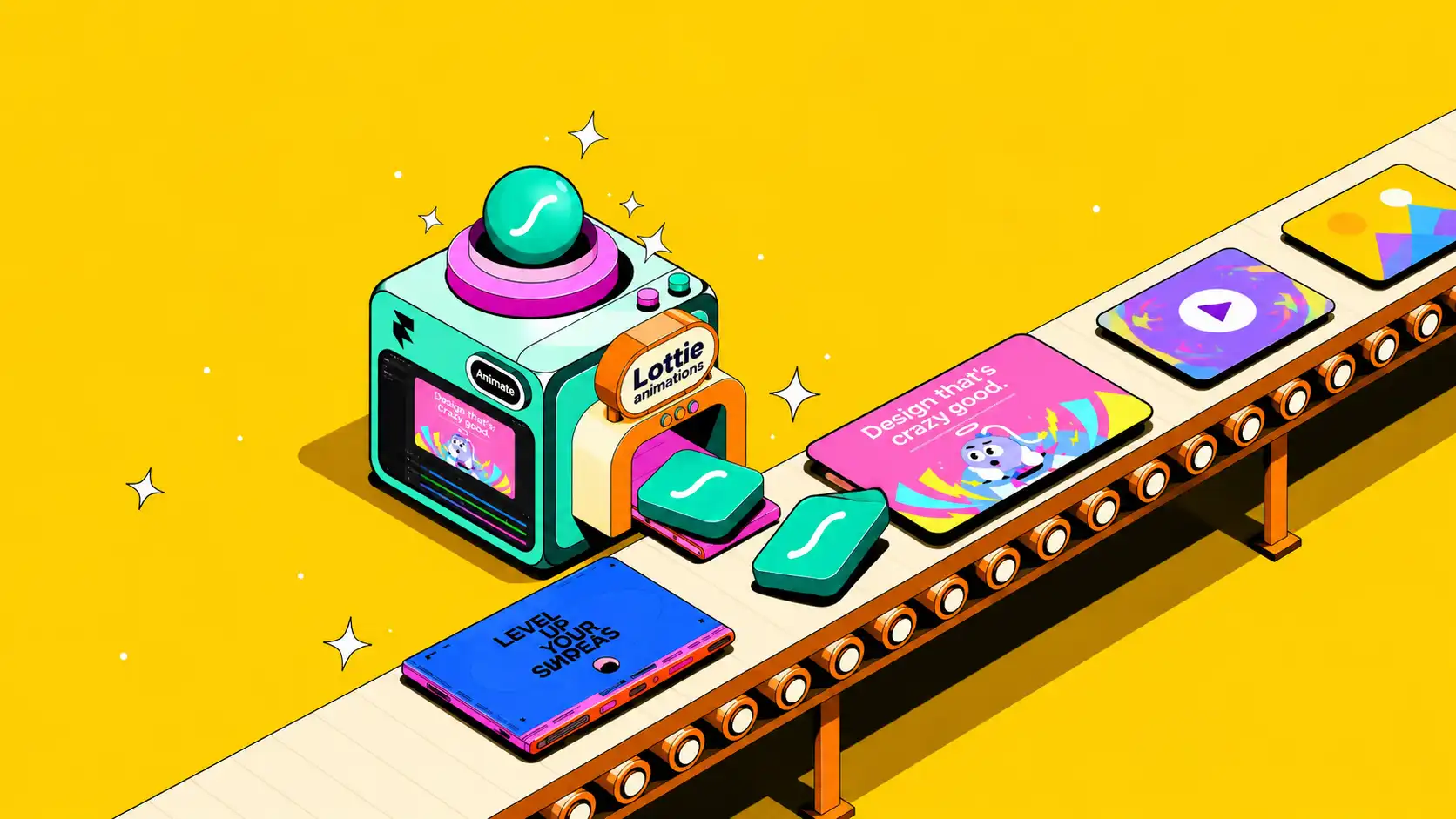

A Lottie animation is a lightweight, JSON-based animation format commonly used to bring motion into websites, mobile apps, and digital product interfaces. Unlike a traditional video file, a Lottie file contains animation data that a compatible Lottie renderer interprets and displays in the interface.
The typical workflow starts with a designer creating an animation in Adobe After Effects. Using the Bodymovin extension or a compatible Lottie export workflow, supported animation properties are converted into JSON data. Developers can then implement that file using Lottie libraries or supported frameworks.
Lottie was originally developed by Airbnb to make it easier to render After Effects animations across digital products. Today, Lottie workflows can be used across web, iOS, Android, React Native, and other supported development environments.
This makes Lottie particularly useful for UI micro-interactions.
Instead of developers recreating every motion detail manually, designers can define the movement and provide an implementation-ready animation asset. This can help preserve details such as timing, easing, transforms, and transitions between the approved design and the final product.
A Lottie animation can be used for a small success checkmark, animated icon, onboarding illustration, button response, empty state, or website loading animation. Because many Lottie animations are vector-based, they can also remain sharp across different screen densities and sizes.
However, not every After Effects feature is supported equally across every Lottie renderer. Effects, expressions, masks, gradients, and other advanced properties should be checked against the intended implementation.
For product teams, Lottie is therefore best understood as a bridge between motion design and product development: a way to bring designed motion into interfaces without relying entirely on video or frame-based image animation.
The Lottie vs GIF comparison becomes important when a product team needs animation inside an interface. Both can display motion, but they work very differently.
A GIF stores a sequence of raster image frames. This makes it simple to use, but it can become inefficient when an animation contains many frames, requires a larger display size, or needs smooth movement. Because GIFs are pixel-based, enlarging them beyond their intended dimensions can also reduce visual quality.
A Lottie animation stores supported animation instructions and assets in a JSON-based structure. Vector-based elements can be rendered at different sizes without the same pixelation associated with raster GIFs. For UI micro-interactions that rely on icons, shapes, typography, or illustrations, this can provide a cleaner result across varying screen densities.
File efficiency is another advantage in many use cases. A simple vector Lottie animation can be considerably smaller than an equivalent frame-based GIF. However, this is not guaranteed. Complex paths, embedded raster assets, excessive keyframes, or unsupported workarounds can make a Lottie file significantly heavier.
Interactivity creates another major difference.
A GIF essentially plays predefined frames. A Lottie animation can be controlled programmatically, allowing developers to connect playback to interface behavior. Depending on the implementation, an animation can start, stop, reverse, loop, move to a specific frame, or respond to events such as a button press, hover, scroll position, or another user action.
This makes Lottie particularly useful for interactive product experiences rather than purely decorative animation.
Editability is also more flexible. Properties such as colors or playback behavior can sometimes be modified through the implementation or source animation without recreating an entire frame sequence. The exact level of control depends on how the Lottie file was built and the renderer being used.
For a website loading animation, success state, animated icon, or other product interaction, Lottie can therefore provide advantages in scalability, control, and integration. GIFs remain useful for simple universally shareable animation, but for structured UI motion, Lottie offers product teams a much more flexible system.
A Lottie animation works particularly well when motion needs to become part of the product experience rather than simply decorate the interface.
Because playback can be connected to user actions and application states, product teams can use Lottie across multiple stages of the user journey.
Onboarding flows are a common use case. A short animation can visually explain a feature, demonstrate an action, or make a setup step easier to understand. Empty states can use similar motion to communicate that no content is available while guiding users toward what they should do next.
Lottie is also useful for loading states. A branded website loading animation can provide visual feedback while content or a process is being prepared. However, animation should support the waiting experience rather than hide unnecessarily slow performance.
UI micro-interactions are another strong application. Examples include animated success checkmarks, button feedback, toggle transitions, progress indicators, notification states, and icons that respond after an action. These small movements can confirm that the interface has registered user input.
Marketing websites can use Lottie for hero sections, product demonstrations, feature illustrations, and scroll-triggered sequences. When designed carefully, these animations can communicate product behavior without requiring a full video.
The key is purposeful motion. A Lottie animation should help explain a feature, communicate system status, provide feedback, or direct attention. Adding motion to every interaction can create distraction and reduce usability.
For product teams, the strongest applications are usually those where animation makes the interface easier to understand while remaining consistent with the wider UI and brand system.

Creating a Lottie animation requires coordination between motion design and development. The process usually begins by defining where the animation will appear, what action or state triggers it, and how it should behave inside the interface.
A motion designer can then create the animation in Adobe After Effects or another tool that supports an appropriate Lottie workflow. When After Effects is used, Bodymovin or related Lottie tooling can export supported animation properties into a JSON-based file.
Designers need to consider Lottie compatibility while creating the motion. Not every effect available in a motion-design application translates identically to every Lottie renderer. Keeping the animation structurally efficient can also help control file complexity and performance.
Once exported, the Lottie file is handed to development.
Developers can integrate it using the appropriate Lottie library or supported implementation for web, iOS, Android, React Native, or another target environment. They can then define playback behavior such as autoplay, looping, direction, speed, or interaction-triggered states.
For UI micro-interactions, the animation may be connected directly to product behavior. A success animation might play only after a completed action, while an interactive icon could move when the user taps it.
The handoff should therefore include more than the animation file. Designers should communicate intended dimensions, trigger behavior, playback rules, looping requirements, background treatment, and relevant states.
A good Lottie workflow treats motion as part of the interface specification. This makes it easier for design and development teams to maintain the intended experience when moving from an approved animation concept to the final product.
Lottie can make product animation more efficient, but using the format does not automatically produce a lightweight or reliable experience. Several implementation mistakes can reduce its advantages.
One common problem is excessive complexity. A Lottie animation with numerous paths, keyframes, masks, embedded raster assets, or complicated effects can become heavier and more demanding to render. The goal should not be to reproduce every possible After Effects technique. Motion should be designed around what the interface actually needs.
Another problem is weak designer-developer handoff.
Providing a JSON file without explaining how it should behave leaves important decisions unresolved. Developers need to know whether the animation loops, what triggers it, when it stops, whether it reverses, how it responds to different states, and how it should scale within the layout.
A website loading animation, for example, may need different behavior from a success checkmark or button micro-interaction.
Cross-platform testing is equally important. An animation that works correctly in one environment should not automatically be assumed to behave identically everywhere. Renderer support and implementation details can vary across web and native platforms, particularly when more complex animation features are involved.
Product teams should test Lottie animations on every important target environment before release.
Performance should also be evaluated on representative hardware. A technically valid animation can still feel unnecessary or distracting if it runs too frequently or competes with important interface actions.
The best wearable and digital UI micro-interactions are often relatively simple. They communicate state, feedback, or progression without making users wait for animation to finish.
Avoiding these pitfalls allows teams to use Lottie for what it does best: delivering controlled, scalable motion that integrates naturally into the product experience.
A Lottie animation is not only a visual asset. When planned correctly, it can create a more direct connection between motion design and product development.
In a traditional workflow, a designer may create an animation reference and send it to developers as a video, GIF, or prototype. Developers then need to interpret the timing, movement, transitions, and interaction behavior before recreating them in the product. This can introduce differences between the approved design and the final implementation.
A Lottie-ready workflow can reduce some of this translation. Designers can create supported motion and deliver the animation file alongside clear implementation specifications. Developers can then integrate the asset and connect playback to product states or user interactions.
This is particularly useful for UI micro-interactions such as success states, loading indicators, animated icons, onboarding moments, and button feedback. The motion can become a reusable part of the interface rather than a one-off visual reference.
Effective collaboration still requires clear handoff documentation. The team should agree on triggers, looping behavior, playback direction, dimensions, scaling, states, performance expectations, and platform requirements before implementation.
At Abstrct, Lottie-ready delivery can be considered as part of a broader motion graphics output when the product and implementation requirements support it. This means thinking about how the animation will function inside the interface, not simply how it looks in a presentation.
A strong Lottie workflow gives designers control over motion intent while giving developers a practical asset to implement, test, and connect to the wider product experience.
Before briefing a motion designer on a Lottie animation, define what the animation needs to accomplish inside the product.
Start with its purpose. Is it a website loading animation, onboarding illustration, success state, animated icon, button response, empty state, or another UI micro-interaction? Each use case requires different timing, playback behavior, and interaction logic.
Next, specify where the animation will appear. Share the target platform, screen dimensions, placement, surrounding UI, background treatment, and expected responsive behavior. If the animation needs to work across web, iOS, Android, or React Native, that should be established before production begins.
The brief should also define:
What triggers the animation
Whether it loops or plays once
Whether users can interrupt it
Required dimensions and scaling behavior
Brand colors and visual guidelines
Expected interaction states
Target platforms and devices
Performance or file-size considerations
Whether colors or other properties need to change dynamically
These requirements help the designer create motion that is appropriate for Lottie rather than designing an unrestricted animation and trying to convert it later.
Testing should remain part of the process. Even a correctly exported Lottie file should be reviewed inside the actual interface and across important target environments. This helps identify rendering differences, scaling problems, timing issues, or performance concerns before release.
For product teams comparing Lottie vs GIF, the advantage is not simply smaller files or sharper graphics. Lottie can make motion a more integrated and controllable part of the interface.
If your product needs UI micro-interactions, onboarding animation, a website loading animation, or other interface motion, talk to Abstrct about creating Lottie-ready motion for your next digital product.
What is a Lottie animation used for?
Is Lottie better than GIF?
Yes, in almost every case — Lottie files are smaller, stay sharp at any resolution, and can be made interactive, while GIFs are larger and lose quality when scaled.
Do I need a developer to implement a Lottie animation?
Yes, a developer typically integrates the Lottie JSON file using a Lottie rendering library for web, iOS, or Android.
What software is used to create Lottie animations?
Lottie animations are most commonly created in Adobe After Effects and exported using the Bodymovin or LottieFiles plugin.
Can Lottie animations be interactive?
Yes, Lottie animations can be triggered or controlled by user actions like scrolling, hovering, or clicking, unlike static video or GIF formats.